
Crafting colouring worksheets that genuinely capture students' attention while supporting their learning goals is challenging. Between limited time, design skills, and the need for age-appropriate content, many educators and parents struggle to create materials that balance fun with educational value. This guide walks you through a practical, AI-supported approach to designing high-quality classroom colouring worksheets that engage children and enrich their learning experiences.
Table of Contents
- What You Need To Prepare Before Creating Colouring Worksheets
- Step-By-Step Guide To Creating Classroom Colouring Worksheets With AI
- Common Challenges And Tips To Ensure High-Quality Colouring Worksheets
- How Colouring Worksheets Enhance Learning And Engagement In Classrooms
- Discover Free AI Colouring Pages To Enhance Your Classroom
- Frequently Asked Questions
Key takeaways
| Point | Details |
|---|---|
| AI streamlines creation | AI tools speed up worksheet design but require clear prompts and human refinement for best results. |
| Educational benefits | Colouring tasks foster mathematical reasoning, collaborative learning, and cognitive development across age groups. |
| Preparation matters | Defining clear goals, gathering proper tools, and planning designs ensures high-quality, usable worksheets. |
| Quality control essential | Testing prints, refining AI outputs, and adjusting complexity prevents common pitfalls and frustration. |
| Stepwise approach works | Following a structured process from brainstorming to publishing produces consistent, engaging outcomes. |
What you need to prepare before creating colouring worksheets
Before generating your first worksheet, gather the right tools and define your approach. You'll need an AI image generator capable of producing line art, basic image editing software, and layout tools for arranging multiple designs on a page.
Start by identifying your educational objectives. Are you teaching letter recognition, mathematical concepts, or simply providing creative expression time? Your goal shapes every design decision. Consider your students' age range and fine motor skill levels when planning complexity.
Clear and structured prompts are crucial for generating usable line art with AI image generators. Vague requests produce inconsistent results, while specific descriptions of line weight, subject matter, and style yield printable designs. Browse structured prompt resources to see examples of effective AI instructions.
Essential tools and materials
| Tool | Function |
|---|---|
| AI image generator | Creates original line art from text descriptions |
| Image editing software | Cleans up lines, adjusts contrast, removes backgrounds |
| Layout program | Arranges multiple images per page with proper spacing |
| Printer and paper | Tests quality before sharing with students |
| Design inspiration | Reference materials showing age-appropriate complexity |
Think about themes that resonate with your curriculum. Science worksheets might feature animals or plants, while maths exercises could incorporate shapes and patterns. Cultural celebrations, seasonal topics, and story characters all provide engaging contexts.
Pro tip: Specify "simple black outlines on white background" and "colouring book style" in every AI prompt to ensure outputs are usable and reduce editing time significantly.
Organise a folder system before starting. Keep raw AI outputs separate from edited versions and final print files. This organisation saves hours when you need to revise or create similar worksheets later.
Step-by-step guide to creating classroom colouring worksheets with AI
Creating effective worksheets follows a logical sequence. The guide details a 9-step process from brainstorming ideas with AI to publishing on Amazon KDP, demonstrating a practical workflow. Adapt this framework for classroom use.
-
Brainstorm topics aligned with your curriculum goals and student interests. List 10 to 15 potential subjects before moving forward.
-
Write detailed prompts describing each image. Include specific details about subject position, line simplicity, and style. Example: "Simple outline drawing of a friendly dinosaur facing forward, thick lines, colouring book style, white background."
-
Generate multiple variations for each prompt. AI tools produce different results each time, so create three or four versions to choose from.
-
Select the best outputs using your judgement. Look for clear lines, appropriate complexity, and visual appeal that matches your educational goal.
-
Upscale images to at least 300 DPI for crisp printing. Low-resolution images appear blurry and frustrate young colourists.
-
Clean up the images by removing stray marks, strengthening thin lines, and ensuring high contrast between black lines and white background.
-
Design page layouts by arranging images with instructions, space for names, and any educational prompts. Leave adequate white space around each element.
-
Test print several copies on your actual classroom printer. Check line clarity, spacing, and whether children can easily distinguish different areas to colour.
-
Gather student feedback from a small group before printing for your entire class. Their reactions reveal usability issues you might miss.
Pro tip: Keep versions and iterations organised in clearly labelled folders to streamline your workflow and improve quality over time as you learn what works best.
Your role as educator remains central throughout this process. AI generates raw material, but you curate, refine, and ensure each worksheet serves your specific teaching objectives. Review free AI colouring page examples to see diverse approaches and spark new ideas.
Document successful prompts in a reference file. When you create a worksheet students love, save the exact prompt wording for future projects. This library of effective prompts becomes increasingly valuable as your collection grows.
Common challenges and tips to ensure high-quality colouring worksheets
Even with careful preparation, certain problems crop up repeatedly. Blurry images top the list, usually resulting from insufficient resolution. Always upscale AI outputs before printing, aiming for 300 DPI minimum at your intended print size.
Poor line clarity frustrates students and creates messy results. The guide emphasises the importance of upscaling images for print quality and cleaning up images, highlighting the need for post-generation processing. Use image editing tools to darken lines, remove grey areas, and increase contrast.
Inappropriate complexity for age groups causes either boredom or overwhelm. Younger children need larger spaces with fewer details, while older students appreciate intricate patterns. Test worksheets with actual students in your target age range before mass printing.
AI is excellent at generating quantity, but human judgement and taste are essential for selecting and refining ideas that truly serve educational goals and engage young learners.
Pro tip: Always test print to catch quality or usability issues before finalising worksheets, saving time, paper, and student frustration in the classroom.
Quick fixes for common problems
- Blurry prints: Regenerate at higher resolution or use AI upscaling tools before printing
- Lines too thin: Increase line weight in editing software or adjust AI prompt to specify "thick outlines"
- Too complex: Simplify by removing background details or breaking one image into multiple simpler versions
- Poor contrast: Convert to pure black and white, eliminating grey tones that print poorly
- Awkward layout: Adjust spacing, add borders, or reposition elements for better visual flow
- Student confusion: Add simple written instructions or example images showing the activity goal
Explore AI colouring page refinement tips for additional troubleshooting strategies and quality improvement techniques. Regular practice with these tools builds your skills quickly, making the entire process smoother with each new worksheet project.
Maintain a critical eye even when AI produces attractive results. Ask whether each design genuinely supports your learning objective or simply looks appealing. Educational value always trumps aesthetic charm in classroom materials.
How colouring worksheets enhance learning and engagement in classrooms
Well-designed colouring activities offer genuine educational benefits beyond simple entertainment. Colouring tasks can effectively elicit and assess young students' mathematical reasoning, particularly in combinatorial problem-solving. Students make strategic choices about colour placement, pattern recognition, and logical sequencing.

Collaborative problem-solving through colouring tasks fosters development of mathematical reasoning in students. When children work together on colouring challenges, they articulate thinking processes, negotiate solutions, and build deeper understanding through peer interaction.
Educational benefits of classroom colouring worksheets
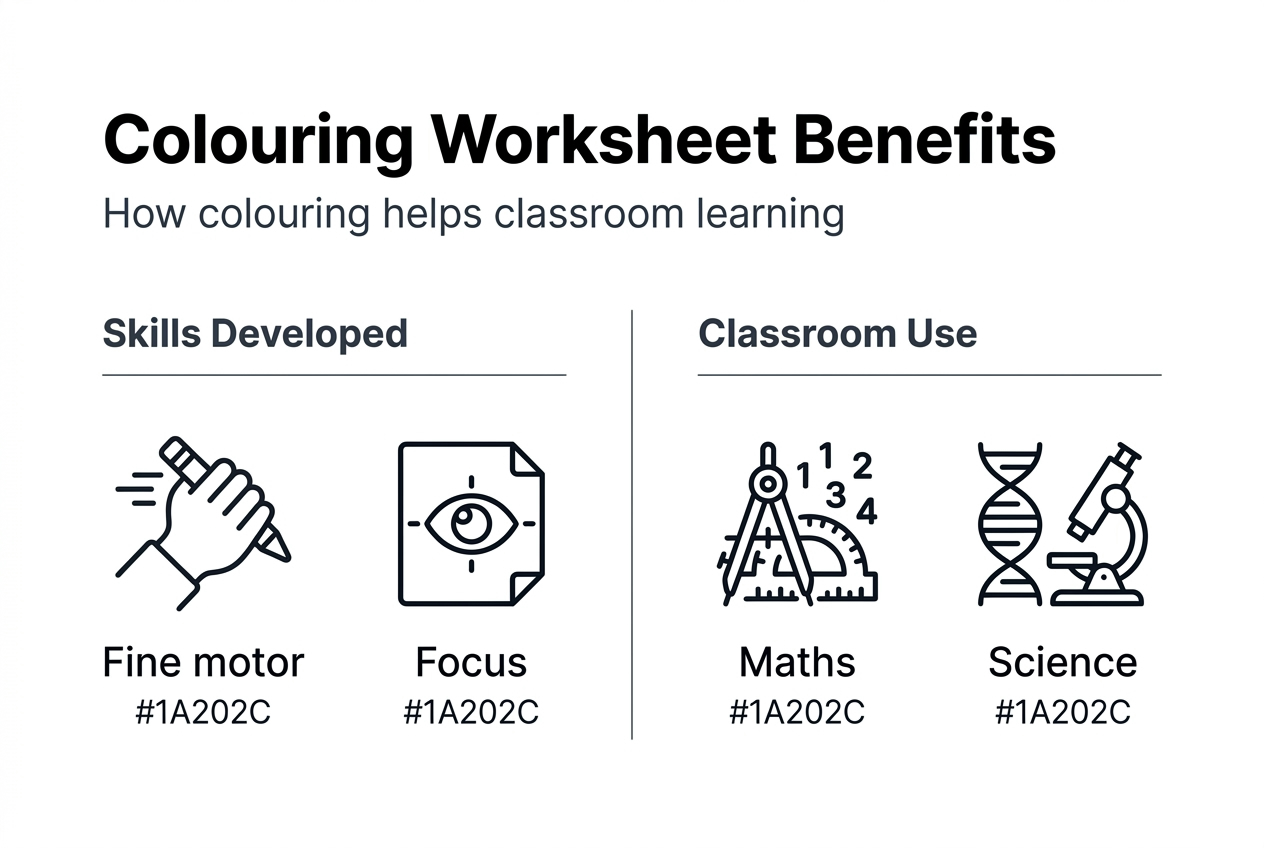
| Benefit | Classroom Application |
|---|---|
| Fine motor development | Strengthens pencil grip and hand control for writing readiness |
| Mathematical reasoning | Explores patterns, symmetry, counting, and combinatorial thinking |
| Focus and concentration | Builds sustained attention spans through engaging, self-paced activity |
| Vocabulary building | Introduces subject-specific terms through themed colouring tasks |
| Emotional regulation | Provides calming, low-stress activity during transitions or challenging moments |
Design principles matter enormously for maximising these benefits. Playful themes capture attention, while clear learning objectives ensure time spent colouring advances educational goals rather than simply filling time. Balance aesthetic appeal with purposeful design choices.
Engagement and cognitive advantages by age group
- Ages 3 to 5: Large shapes build colour recognition, following instructions, and completing tasks independently
- Ages 6 to 8: Pattern-based colouring develops mathematical thinking, sequencing skills, and attention to detail
- Ages 9 to 11: Complex designs challenge planning abilities, encourage creative expression, and support curriculum reinforcement
- Ages 12 plus: Detailed illustrations offer stress relief, promote mindfulness, and provide creative breaks from academic pressure
Thematic connections to curriculum content transform colouring from filler activity into meaningful learning time. Science colouring sheets reinforce anatomy, life cycles, or ecosystems. Historical figures and cultural symbols make social studies concepts memorable. Literary characters bring stories to life beyond reading time.
Discover educational colouring page ideas spanning multiple subjects and age ranges to inspire your next classroom project. The versatility of colouring activities allows integration across nearly every curricular area with thoughtful design.
Discover free AI colouring pages to enhance your classroom
Creating custom worksheets takes time even with AI assistance. Crayono offers a faster alternative when you need quality colouring pages immediately. This user-friendly platform generates free AI colouring pages from simple text descriptions in under 30 seconds, perfect for busy educators and parents.
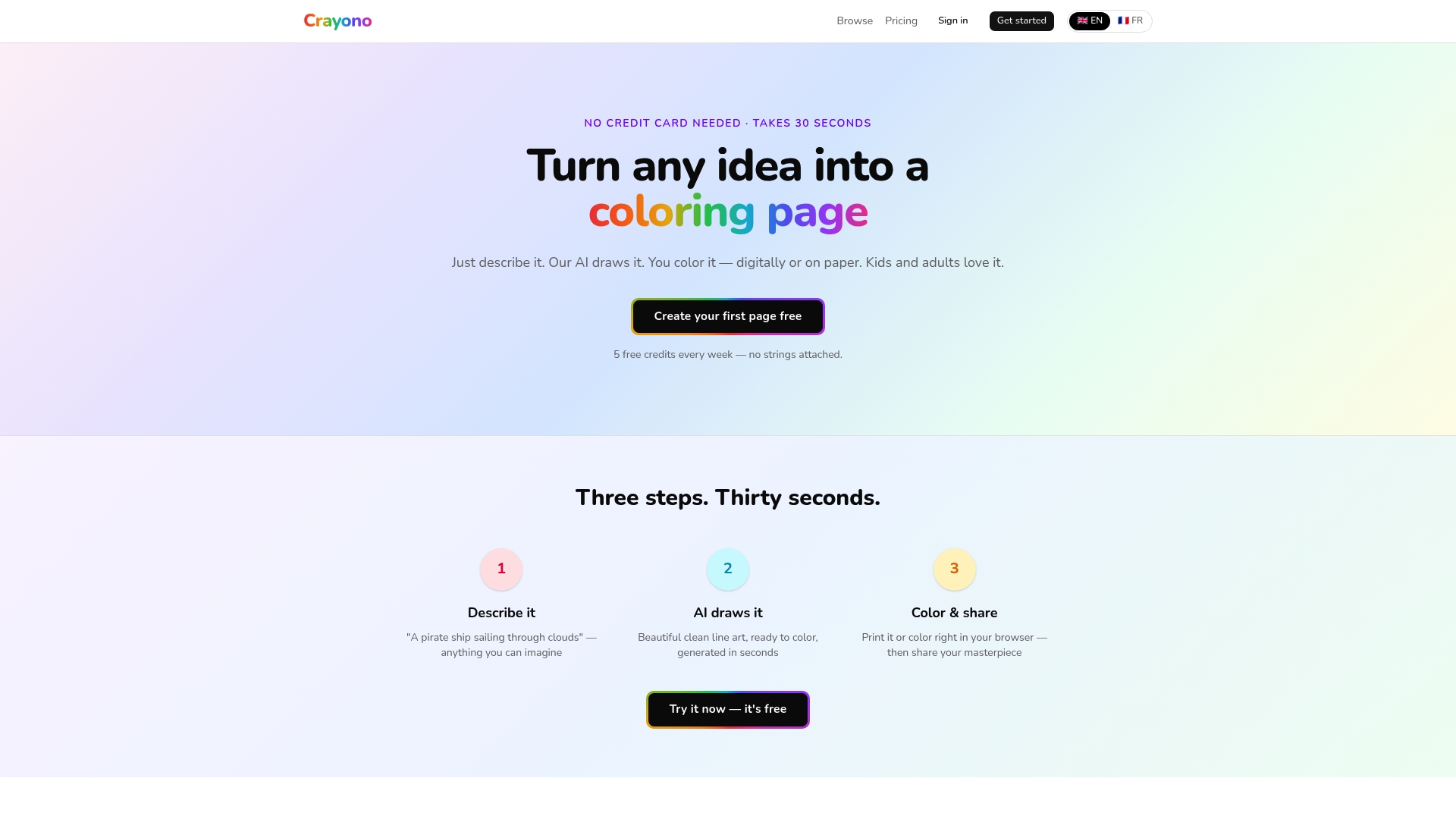
The AI colouring page platform requires no credit card or complex registration, letting you start creating instantly. Describe any scene, character, or educational concept, and watch it transform into printable line art. Use these resources to supplement your custom worksheets or test design ideas before investing time in full development.
Weekly free credits keep fresh content flowing into your classroom without budget concerns. Whether you need last-minute materials for an unexpected teaching moment or want to explore new themes before committing to full worksheet development, Crayono streamlines the entire process while maintaining the quality your students deserve.
Frequently asked questions
What tools do I need to make classroom colouring worksheets with AI?
You need an AI image generator for creating line art, basic image editing software for cleanup, and layout tools for arranging designs on pages. A quality printer and paper for testing complete your essential toolkit. Explore AI colouring page tools for user-friendly options requiring minimal technical skills.
How can I ensure the colouring worksheets suit different age groups?
Adjust detail levels and complexity of images according to your students' developmental stage and fine motor abilities. Use playful, simple themes with large spaces for younger children, while older students appreciate intricate patterns and smaller details. Test worksheets with small groups representing your target age before printing for entire classes, gathering feedback on difficulty and engagement.
What are common mistakes to avoid when creating colouring worksheets?
Avoid unclear or overly complex lines that frustrate children and produce messy results. Never rely solely on AI outputs without reviewing and refining them for your specific educational context. Ensure your educational goal clearly aligns with the colouring task's design rather than creating attractive images without pedagogical purpose. Always test print before mass production to catch quality issues early.
How do colouring worksheets support learning in subjects like maths?
Colouring tasks effectively elicit and assess young students' mathematical reasoning, particularly in combinatorial problem-solving and pattern recognition. Collaboration during colouring activities fosters deeper understanding as students articulate reasoning, negotiate solutions, and develop strategic thinking skills. Pattern-based colouring naturally introduces concepts like symmetry, sequencing, and logical progression in engaging, hands-on formats.